Once you have a calorie target, the next job is choosing meals and portions that fit it. Set your food exclusions and kitchen limits first, then compare the resulting day with your target. This guide uses a chosen planning number; it does not decide what you should eat.
Set your kitchen limits before the target
Choose the food style, excluded ingredients, cooking time and equipment you actually have. Add a cold-lunch requirement if needed. A menu that fits a calorie number but requires a microwave you do not have is not a successful plan.
Enter your chosen target in the planner. Its input limits describe what the tool can plan; they do not tell you how much you personally need to eat.
Read the actual day total
The planner selects measured recipes and adjusts portions within a bounded range. It shows actual totals rather than replacing the calculated result with the target. When the available recipes cannot get close enough under your food rules, a warning should remain visible.
Here is a reproducible example using a user-chosen 1,800-kcal input, balanced food style and a ten-minute preparation limit. The selected day totals 1800 kcal, 89 g protein, 212.9 g carbohydrate and 71.3 g fat.
- Egg & avocado open sandwich: 1× base portion, 480 kcal.
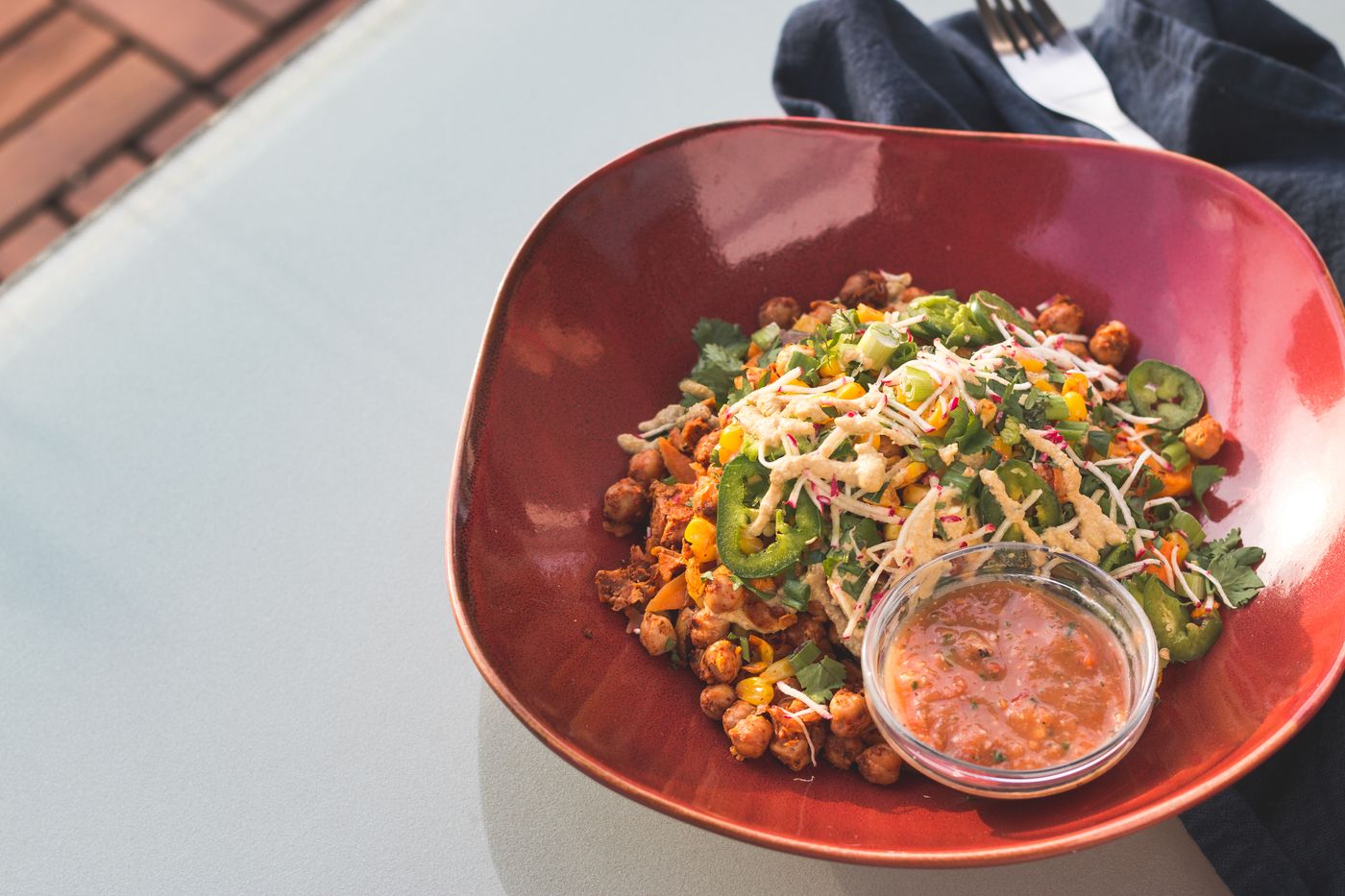
- Feta chickpea quinoa bowl: 1.25× base portion, 649 kcal.
- Egg & hummus pita: 1.25× base portion, 671 kcal.
This is an illustration of the calculation, not a menu prescribed for you. A different date, seed or set of preferences can select different meals.
Treat the protein setting as a preference
Giving protein higher priority changes how recipes are selected and balanced. It does not set an individualized medical requirement, guarantee an exact amount or make every permitted combination feasible. Review the grams actually shown for the day.
Check changes after a swap
If you change a meal, look again at the total and portion sizes. A food-rule-compatible alternative can still have a different composition. Check the new totals instead of expecting the old numbers to stay the same.
When your packet label differs
The estimates come from generic ingredient references. Your yogurt, hummus or prepared grain may have a different label. Measure the food in the state named in the recipe and use package information when you need a closer estimate.
The result is a menu to review against your chosen target. It remains a plan; it is not a record of what you ate or a medical assessment.
Using your calorie target
Does the planner prescribe a medical calorie target?
No. Its calculator is an orientation tool, and an entered target is a planning input. It is not medical advice or a treatment plan.
Will every day hit the number exactly?
Not necessarily. Whole recipes and practical portions can leave a small difference. Read the displayed actual total rather than assuming an exact match.
Related reading: How to Scale a Recipe Portion and Keep the Numbers Consistent · Meal Planner vs Calorie Tracker: Which Job Do You Need Done?
Build a personal week with recipes, portions and a shopping list. Your first week stays free, with no card required. Subscription options cover further planning.
Recipe times are planning estimates, not kitchen-tested guarantees. They assume the prepared ingredients named in each recipe. Nutrition is calculated from our local USDA SR Legacy ingredient references; your package labels and actual portions can differ.
Your first week is on us.
Recipes for one, calculated portions and one shopping list. No card needed. Quick recipes use ready-cooked ingredients; prep times are estimates.
Build my free week ↗Sources and method
Recipe calculations use our ingredient catalogue. Reference averages and estimates differ from package labels. The sources below support the practical guidance; they do not endorse Dayfork.